Sync is Not a Backup: How to Protect Your Obsidian Vault
Learn why synchronization tools cannot replace a true backup, and how to build a resilient 3-2-1 strategy for your notes.
Simon

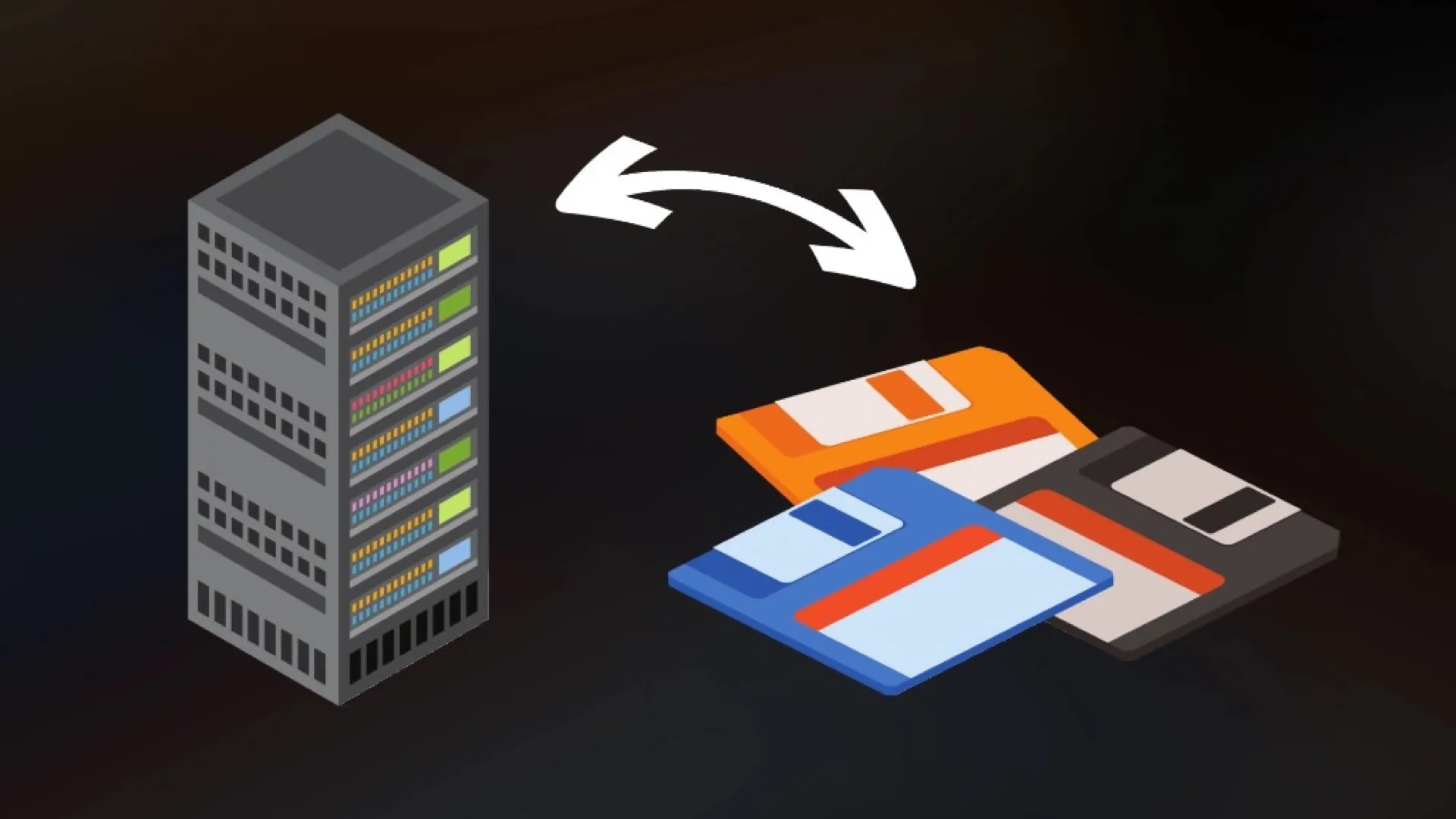
When your Obsidian notes seamlessly appear on your phone, tablet, and computer, it is easy to feel like your data is safe. But synchronization and backup solve two different problems, and treating sync as your only backup can leave you without a reliable way to recover from accidental deletions, corruption, or other mistakes.
1. Why Synchronization Is Dangerous as a Backup
Sync is designed to keep multiple copies of your data aligned. A backup has a different job: preserving older states so you can recover from mistakes or corruption.
If you treat a sync engine as a backup, you expose your vault to several risks:
- Instant destruction: If a file is accidentally deleted, the sync engine will immediately propagate that deletion to all other devices.
- Silent corruption: Corruption or unintended changes can also be propagated. If a file is damaged, truncated, or replaced incorrectly, a sync system may faithfully synchronize that new state to your other devices.
2. The 3-2-1 Backup Strategy
For stronger protection against ransomware, hardware failure, and user error, it helps to separate real-time sync from historical backups. A widely used backup guideline is the 3-2-1 rule:
- 3 copies: Keep three copies of your data (your active working vault plus two independent backups).
- 2 media types: Store your backups on two different types of storage (e.g., a local external drive and a remote server).
- 1 offsite: Keep at least one backup physically offsite to protect against local hardware loss.
3. Recommended Obsidian Backup Tools
Because Obsidian stores data as local Markdown files, backing them up is highly efficient.
- Differential ZIP Backup (DiffZip): Created by the same developer as the LiveSync plugin (
vrtmrz), this tool creates differential ZIP archives containing changed files, which can keep repeated backups relatively small. - Restic or Borg Backup: Restic and Borg provide encrypted, deduplicated backups and are well suited to keeping many historical snapshots with minimal storage overhead.
- Git: Git is excellent for tracking changes and recovering previous versions, but I would treat it as version control rather than your only backup.
4. A Resilient Architecture
A resilient knowledge management system requires both speed and history. You use a tool like LiveSync (or managed CouchDB via EiraSync) for encrypted, real-time synchronization. Simultaneously, you run independent, incremental backups using tools like DiffZip or Restic to preserve your data's history.
While EiraSync provides its own automated server-side backups — retaining 7 daily snapshots locally and 30 daily snapshots on Hetzner Storage Boxes as an additional safety net — this does not replace a true 3-2-1 strategy. You should always keep at least one backup independent of your EiraSync/LiveSync infrastructure.
A good sync setup answers: "How do I get my latest notes on every device?" A good backup setup answers: "How do I get my notes back after something goes wrong?"
Sync handles the transport; backups handle the rescue. Your backup should also be tested: a backup you have never restored is only a backup assumption.
Final Thoughts
Treat sync and backup as complementary, not interchangeable. Keep LiveSync for day-to-day device updates, and keep an independent backup you can actually restore.
If you like the LiveSync approach but don't want to maintain your own CouchDB server, you can try EiraSync.